
In this article
In my article about TikTok and fundraising, I talked about building support beyond a platform you do not control. There is a smaller version of that decision in many social media profiles: the link in the bio.
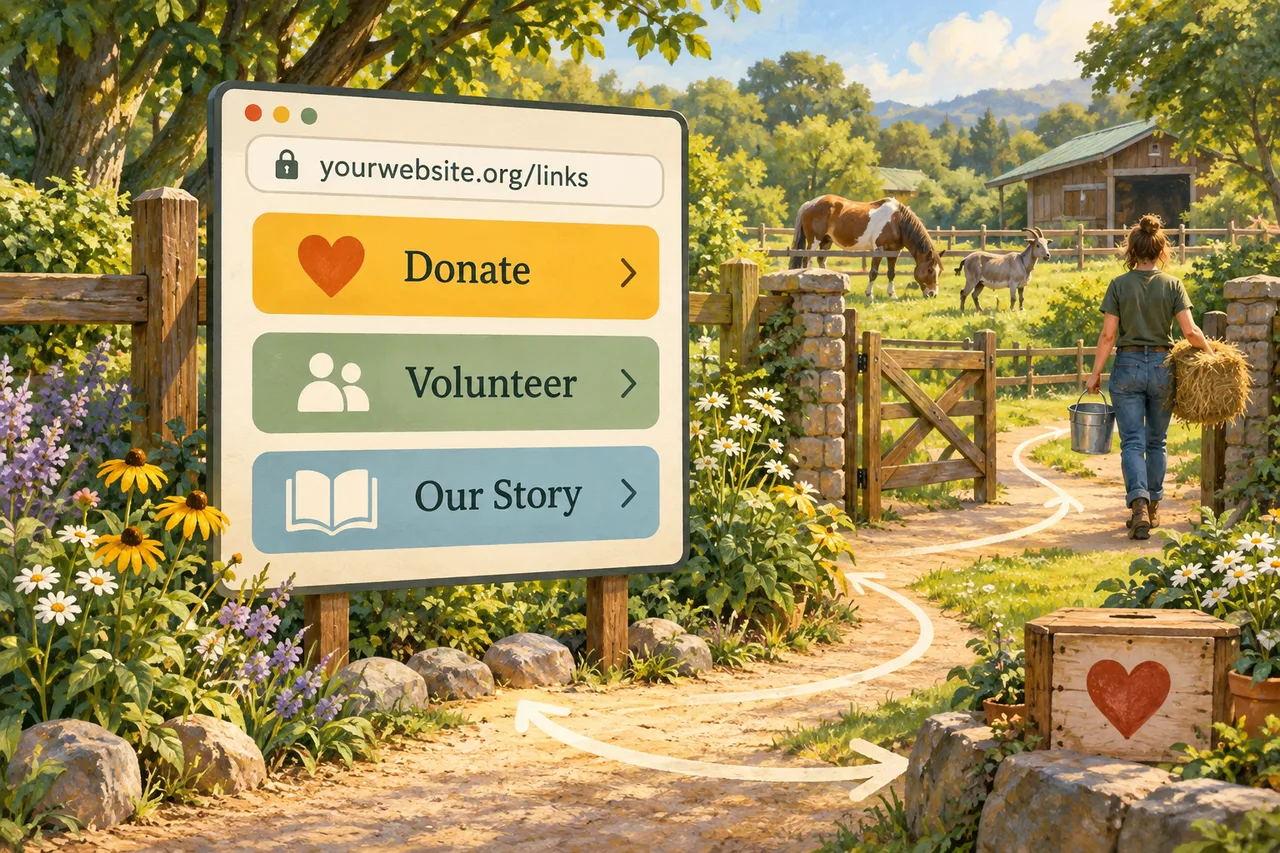
You have probably clicked one. It opens a page with a logo and buttons: Donate, Volunteer, Wishlist, Visit Our Website.
Services such as Linktree make that convenient. But if your organization already has a website, why couldn’t that page live there?
For a simple list of links, it usually can.
Keep the address with your organization
Our Black Cat links page gives visitors a short menu at an address we control. You can do the same for your social profiles, printed materials, and QR codes.
If you change hosting companies or donation providers, update the page while keeping its address. You do not have to replace every public link each time you change a service.
A third-party service can suffer an outage, a DDoS attack, or simply close up shop. Your website can go down too and needs reliable hosting and backups. With your own domain, though, you can move or restore the page while keeping the address people already have.
Linktree currently uses a linktr.ee/yourusername address rather than a custom domain, according to its own documentation. Other services differ; check before choosing one.
Your own address still needs care. Keep the domain renewed, protect the account, and make sure another responsible person can recover access. The domain-name guide explains why that matters.
Give people a useful next step
The page does not need to be elaborate. Start with your organization’s name, a sentence about its work, and a few clearly labeled buttons:
- Donate — your official donation page or chosen payment service.
- Our current need — a specific appeal with enough information to understand it.
- Our wishlist — supplies you actually need.
- Volunteer — requirements and a working way to get involved.
- Latest update — a recent story showing the work.
- Contact us — the right place for questions.
Include only what you can keep current. Put the most useful action first, remove expired appeals, and use labels such as “Help us buy winter bedding” instead of “Click here.” Make the buttons easy to read and tap on a phone.
You can still use outside services. Your Donate button can lead to a payment provider; your wishlist can live with a retailer. You are keeping control of the page that directs visitors, not building every service yourself.
Choose convenience deliberately
A hosted link service can be sensible if you do not have a website yet or need features beyond basic links. Linktree, for example, offers embedded experiences such as forms and bookings. A simple website page does not automatically replace those tools.
Editing matters too. Whoever runs the organization should be able to update a button without a long wait. If your website makes that difficult, solve that problem before moving the page.
But if the job is six links and you already maintain a website, consider one more page there before adding another account to manage.
Make the switch carefully
Build the page, test every button on a phone, and then update your profile links. Check that donations reach the correct organization and that forms work.
Keep the old service available during the transition. Existing QR codes and shared links still point to its address; creating a new page does not redirect them. Check whether forwarding is available, or replace old links and printed codes as practical.
Then keep your page useful. A short, current menu at your own address can be all a supporter needs to take the next step.
Social media can introduce people to your work. Your link in bio can bring them home.